1. LIGHTING MODES
The Smart Padel lighting system offers two main modes, each designed for specific situations and fully customisable according to your club's needs. The logic is configured independently on each court.
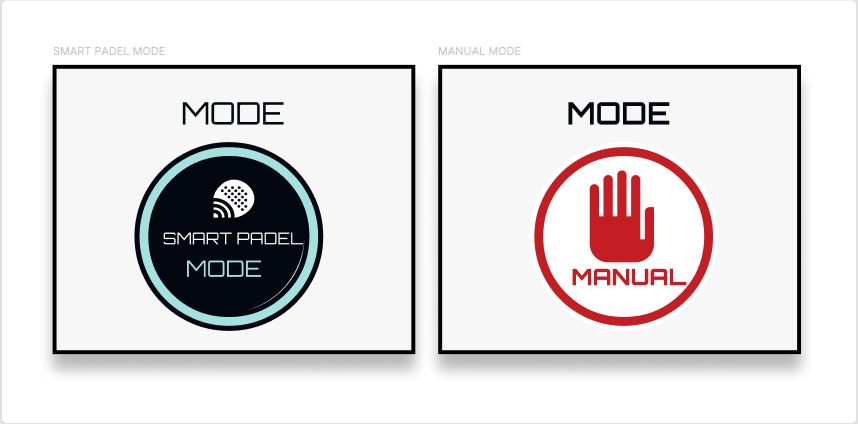
1.1 Smart Padel Mode
The Smart Padel Mode lighting system is integrated directly with the booking platform, ensuring that lights are activated automatically based on bookings and other configured conditions. This mode prevents any manual override of the booking platform.
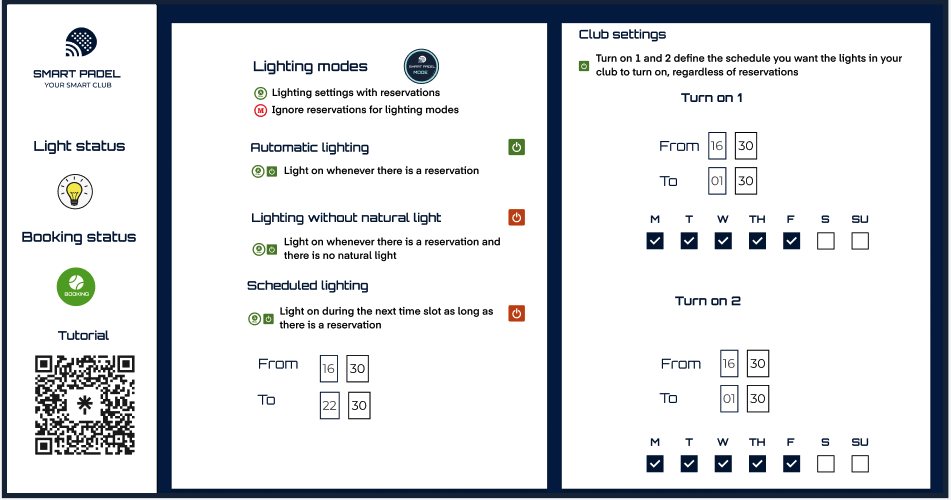
1.1.1 Automatic lighting
When a booking is registered, the lights are activated automatically whenever the conditions set in your configuration are met. For indoor clubs, this is the recommended option as it provides optimal lighting control and energy efficiency.
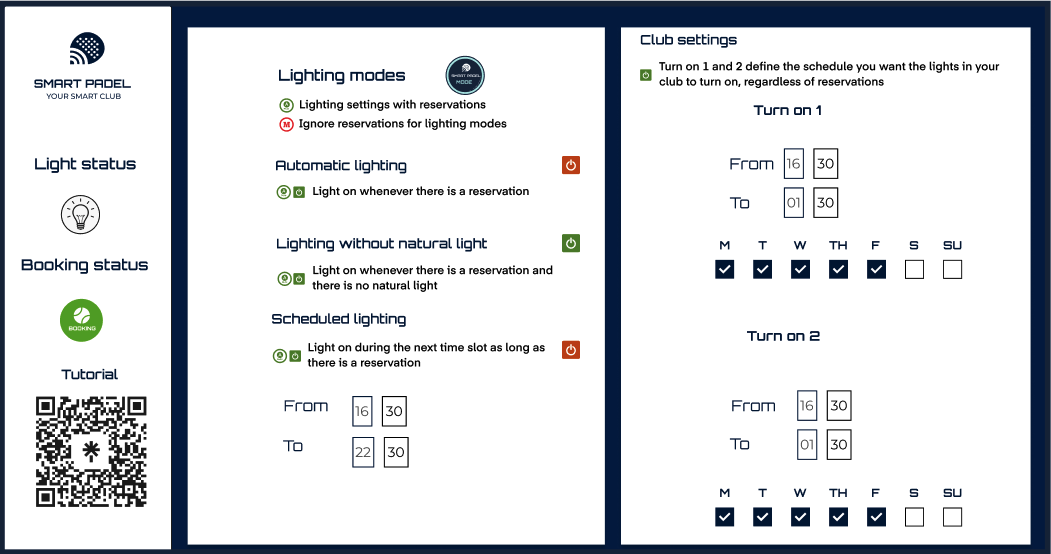
1.1.2 Lighting without natural light
For outdoor or partially covered clubs, this function activates the lights only when natural light is insufficient. The system adapts according to the time of day and location, guaranteeing ideal lighting conditions for your club's environment.
1.1.3 Lighting by schedule
In this case, the lights will only be activated if:
- The system is in Smart Padel Mode.
- There is a booking.
- The current time falls within a predefined schedule that you have configured.
This option offers additional flexibility for clubs with specific time slots where lighting is required.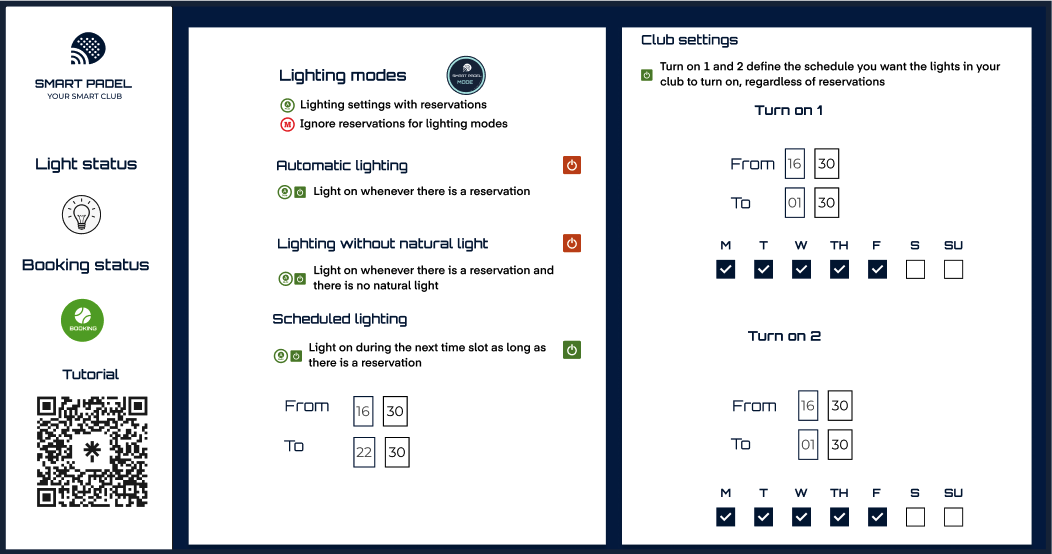
1.2 Manual Mode
In Manual Mode, the lighting system overrides the booking platform, giving you direct control over the lights.
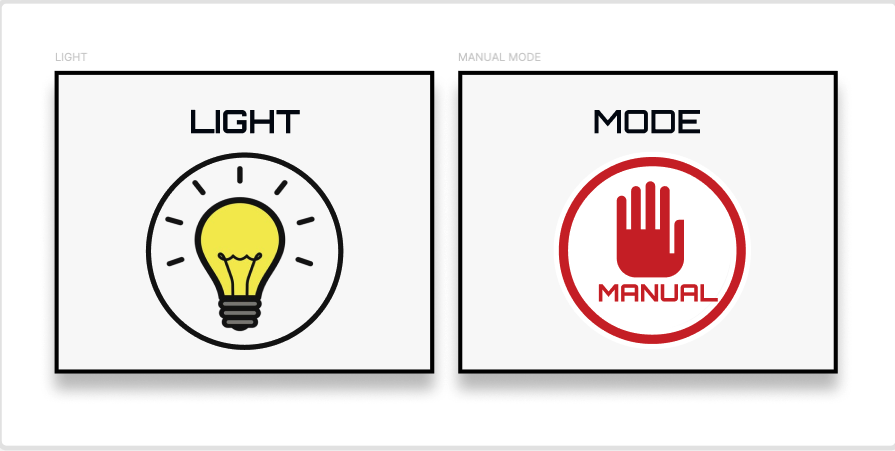
IMPORTANT: After testing the lighting in Manual Mode, always turn off the lights before switching back to Smart Padel Mode. If you change modes without turning off the lights first, the system will maintain the last active state, causing the lights to remain on and potentially leading to unnecessary energy consumption.
1.3 Ambient Light
It works similarly to court lighting, but with an additional option: you can choose whether the ambient lights should remain on during bookings or not. This allows you to adapt the lighting experience according to your club's atmosphere and your energy consumption preferences.
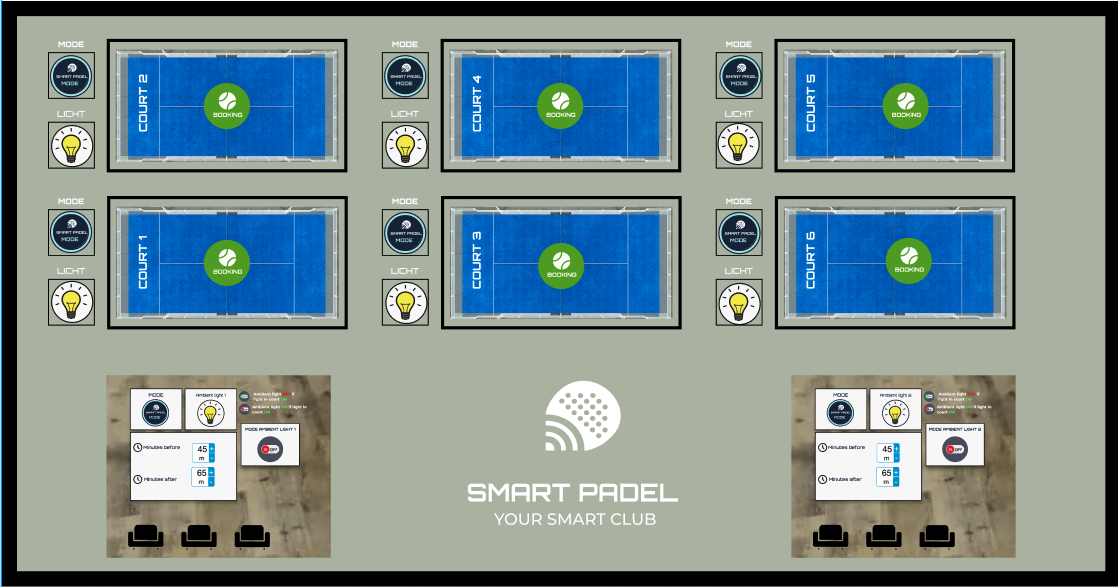
The ambient light is ON if there is a booking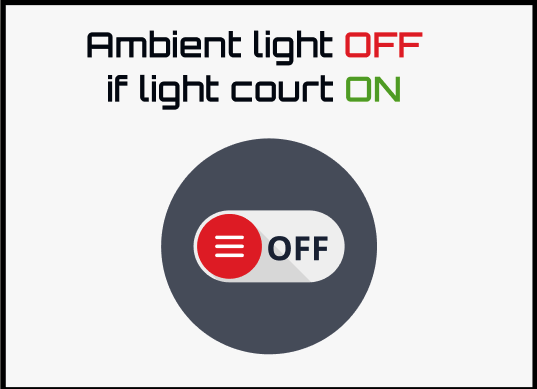
The ambient light is OFF if there is a booking
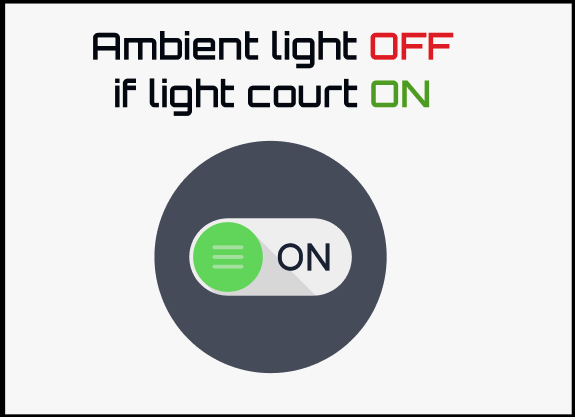
IMPORTANT: The booking platform automatically schedules the switching on and off of the lights according to booking times. With Smart Padel, you can add extra minutes before and after to ensure smooth lighting coverage. Always add additional minutes to what you set on the platform in the access validity configuration, before and after the booking.
Example:
Booking on the platform
- Start time: 09:00
- End time: 10:00
Smart Padel with 15-minute margin
- Lights ON: 08:45
- Lights OFF: 10:15
This configuration ensures that the lights turn on a little before and remain on a little longer, creating a well-lit environment before and after the scheduled time.
2. ACCESS CODES
You have four master codes per keypad. You can configure them according to the days. However, you must first activate them.
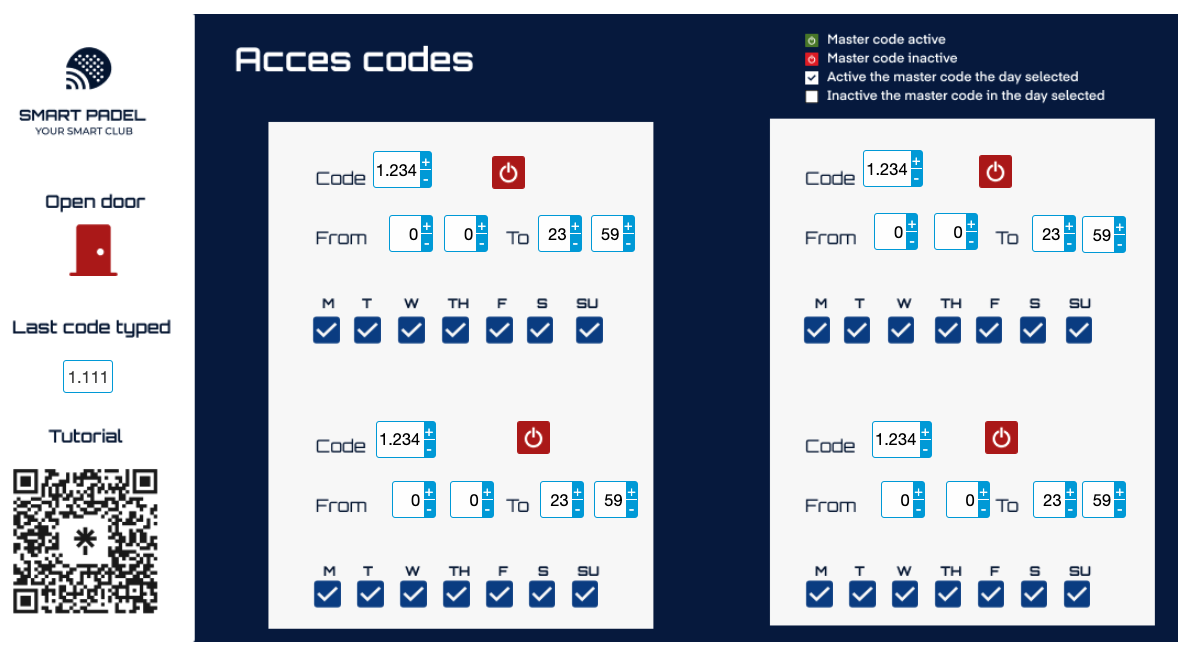
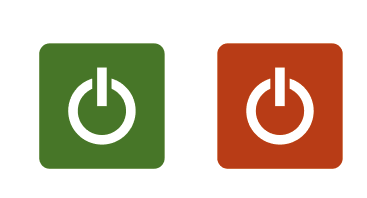
2.1 Master code active/inactive
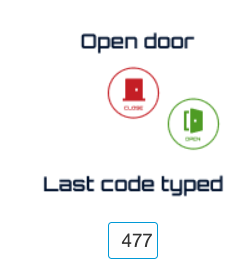
Alternatively, you can open the door remotely by clicking on the door gadget in the interface. If you are using the keyboards for testing, you should see the last code entered displayed in the interface. If the code does not appear, there may be a wiring problem from the PE11 to the keyboard that needs to be checked.
2.2 Lock and unlock codes
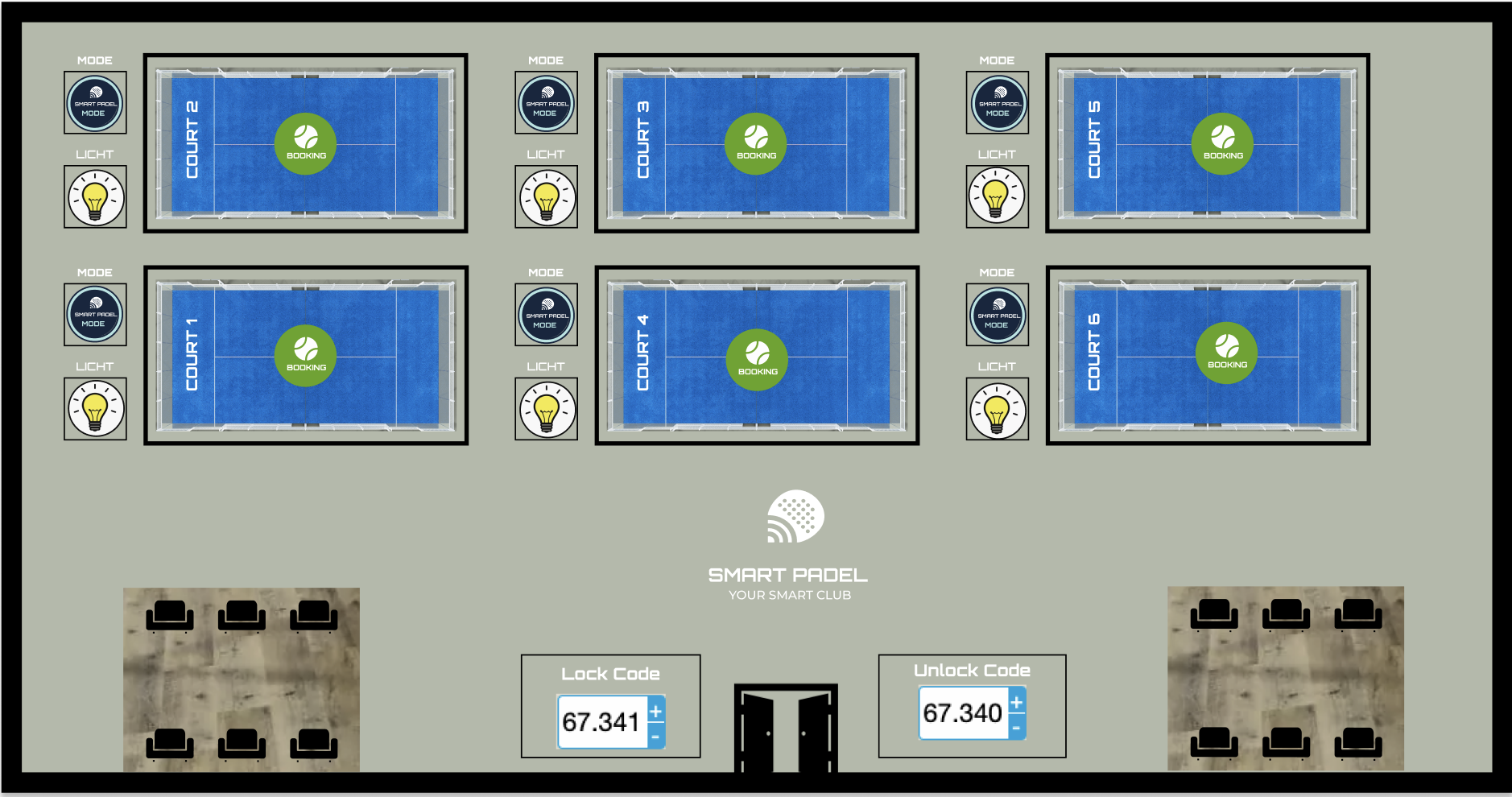
Smart Padel's Lock and Unlock code system is designed to simplify access management during peak hours or when facilities are shared with non-primary activities. This system ensures smooth organisation and optimal use of club resources.
2.2.1 Lock code
- Main function: Enable access to courts and common areas at specific times, synchronised with bookings and shared space usage.
- Common uses:
- Efficient access: Dynamically release facilities according to activity schedules.
- Shared areas: Allow access when the space becomes available again for the club's main activities.
2.2.2 Unlock code
- Main function: Dynamically release facilities according to activity schedules.
- Common uses:
- Efficient access: Dynamically unlock facilities according to activity schedule.
- Shared areas: Grant access when the space becomes available again for the club's main activities.
2.3 Permanent unlock
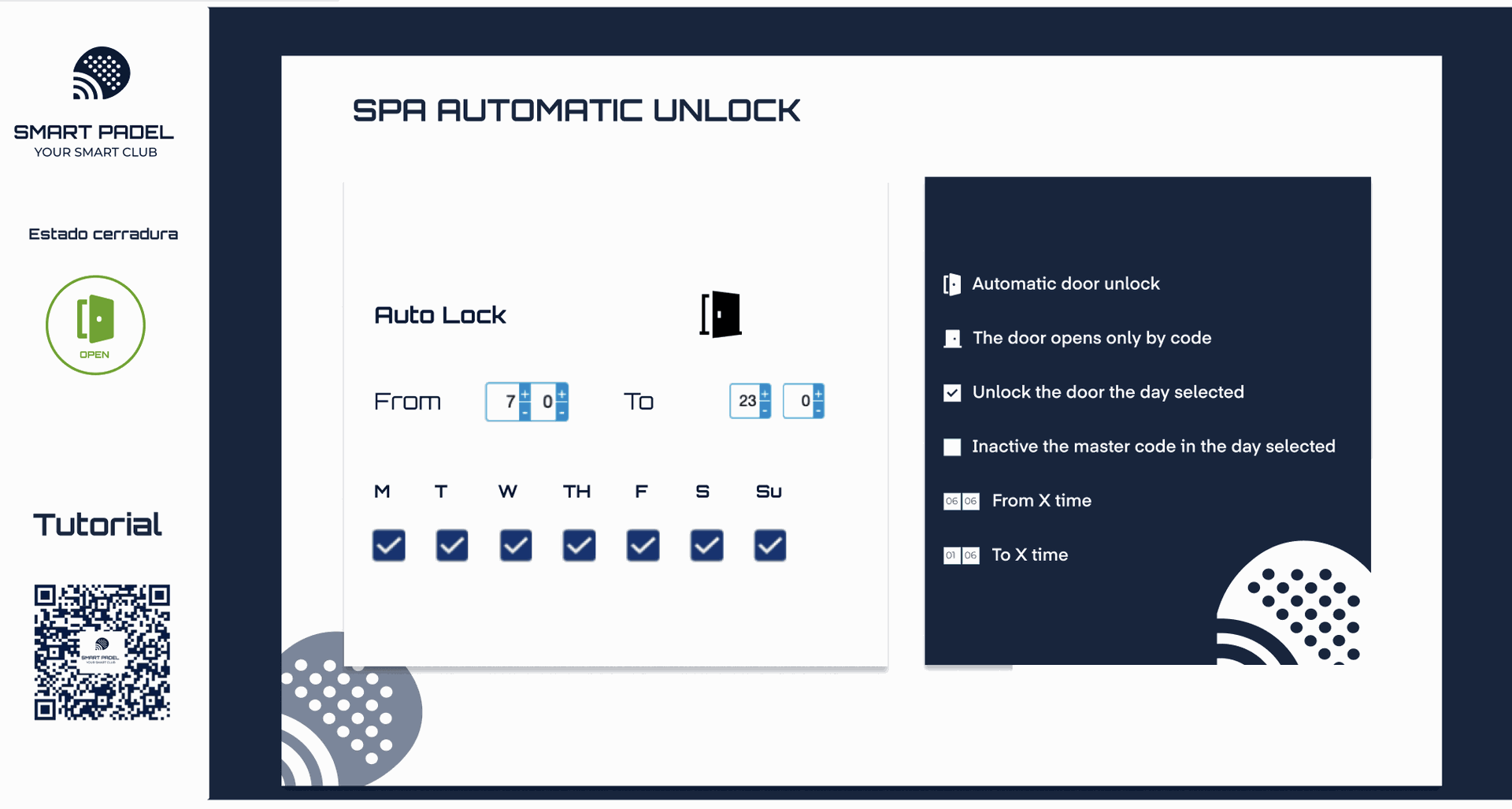
SPA Automatic Unlock is a solution designed to provide complete and scheduled control of access to sports facilities and restricted areas, ensuring a safe, practical and flexible experience for both administrators and users.
Key features
- Automatic unlock: Schedule door unlocking at specific times and on selected days.
- Schedule control: Define the exact interval during which doors will remain unlocked.
- Day selection: Enable automatic unlock only on desired days.
- Option to disable unlock on specific days.
- Advanced access options:
- Access by code: If automatic unlocking is not enabled, doors will remain accessible only by code.
- Ideal for controlled access outside normal hours or in special circumstances.
- Lock compatibility: The installed lock must support the automatic unlocking function to ensure correct system operation.
3. VENTILATION CONTROL PANEL
The Smart Padel Ventilation Panel offers an efficient solution for managing the ventilation system in sports facilities. This panel optimises air flow, ensuring a comfortable experience for users and reducing energy consumption by synchronising with reservations.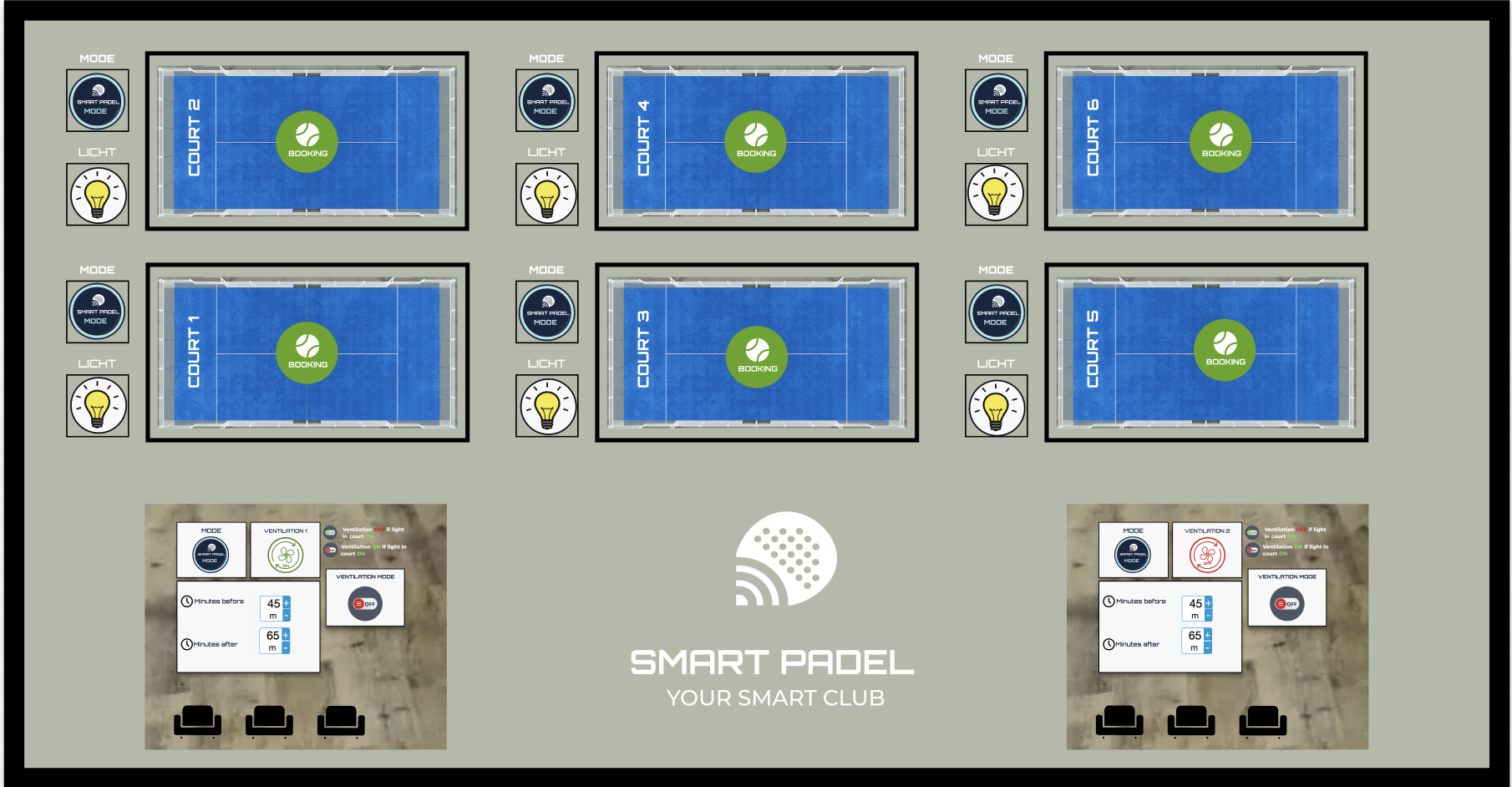
3.1 Key features
- Ventilation mode: Activates or deactivates the ventilation system according to the space requirements.
- Visual indicators:
- ON: Ventilation is switched off during active bookings.
- OFF: Ventilation is switched on during active bookings.
- Time control: Customise the system's switch-on/off schedule:
- Minutes before: Schedule ventilation to start before a booking (e.g., 45 minutes).
- Minutes after: Keep ventilation running after a booking ends (e.g., 65 minutes).
- Status indicator: Real-time display of the ventilation system's status for easy monitoring.
- Customisable mode: Adjust the system according to space usage and administrator preferences.
3.2 Custom configuration
Smart Padel's Lock and Unlock code system is designed to simplify access management during peak hours or when facilities are shared with non-core activities. This system ensures smooth organisation and optimal use of club resources.
PLC Relay (output)
Operating on a digital input of the HVAC. One relay for each command in the HVAC.
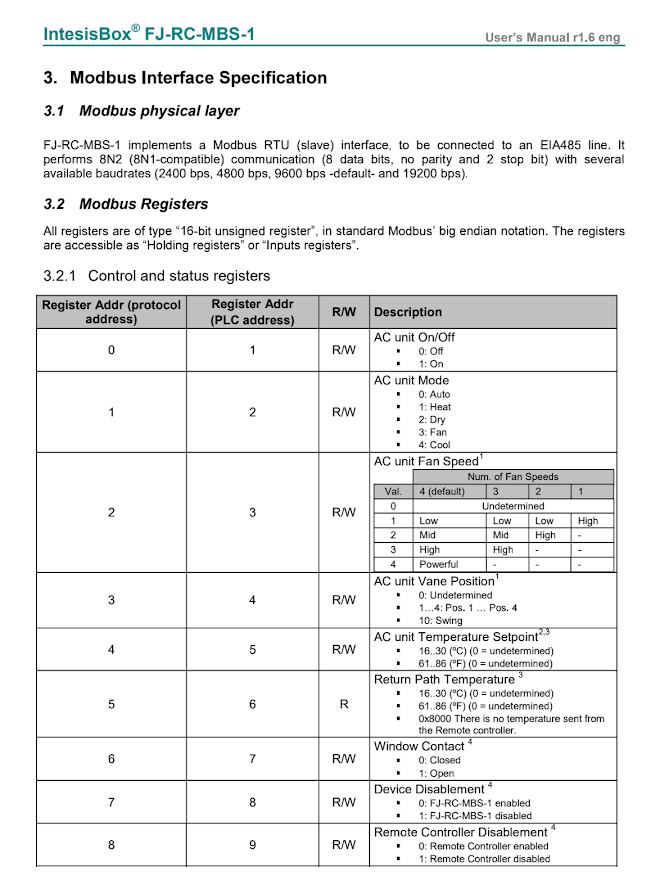
ModBus Control
We send commands to the HVAC via ModBus. We need the HVAC integration manual to correctly interpret the protocol. A dedicated driver must be developed for that specific machine model.
Example of Modbus registers for IntesisBox machine
4. CONTROL PANEL — PRESENCE DETECTION
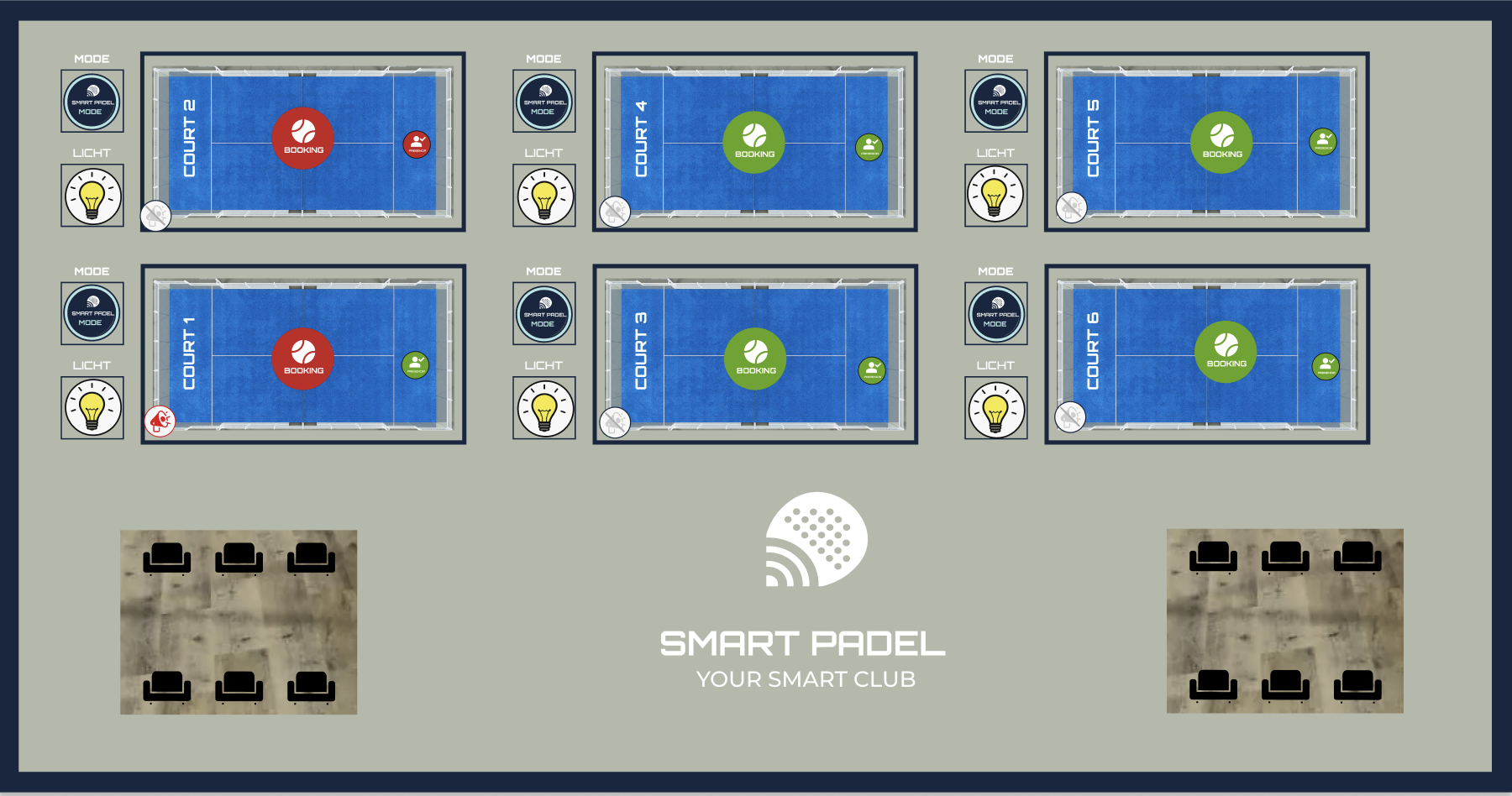
The Smart Padel Presence Detection Panel is designed to ensure the correct use of the courts, detecting situations where they are used without an active reservation. This intelligent system improves the club's operational management, ensuring compliance with regulations and optimising the use of facilities.
4.1 Key Functions
- Presence detection: Sensors installed on each court detect the presence of people when there is no active booking.
- Automatic audio alert: When improper use of the court is detected, the system plays an audio message instructing users to vacate the facility.
- The message is clear and direct, reminding users of club rules.
- Notification to club manager: An immediate notification is sent to the club manager to inform them of the situation.
- Synchronisation with the booking system: If there is no active booking, the system can deactivate other court functions, such as lighting or equipment activation.